

Digital Work Instructions
Digital Work Instructions
Where To Begin
September 3, 2026 · 10 min read · MG&J Associates
Most manufacturers already know they need better work instructions. Fewer of them know how to actually get a digital program off the ground. Plenty of teams buy software, hand the project to someone as an extra duty, and six months later have a handful of half finished procedures and very little to show for it.
The companies that get this right are not always the ones with the biggest budgets or the newest technology. They are the ones who treat the first digital work instructions project like a real project, with a plan, a team, and a clear definition of what success looks like before anyone opens the software.
If you are trying to figure out how to get started with digital work instructions, this guide walks through the planning most teams skip, the team you actually need, the challenges that trip up almost every pilot, and the pitfalls worth avoiding along the way.
It is also worth naming what waiting costs you. Every month a plant runs without documented, digital procedures is another month of relying on whichever veteran happens to be on shift, another round of inconsistent training, and another set of inspection results that vary depending on who filled out the checklist. None of that shows up as a single dramatic failure. It shows up slowly, in scrap rates, in onboarding time, and in the quiet frustration of supervisors who keep answering the same questions.
Why Every Digital Work Instructions Project Needs a Plan First
It is tempting to treat a digital work instructions rollout as a technology purchase. Pick a platform, load in some content, hand out a few tablets, and the problem is solved. In practice, the technology rarely determines whether a project succeeds. The plan behind it does.
A solid plan starts with one question. What operational problem are you actually trying to solve? Maybe new operators take too long to get up to speed on a piece of equipment. Maybe inspectors keep missing steps during quality checks. Maybe your maintenance technicians are relying on memory instead of a documented procedure. Naming that problem gives the entire project something to aim at.
Without that target, teams tend to default to digitizing everything at once, and that almost always backfires. A company might have hundreds of SOPs, checklists, and training documents sitting in binders or shared drives, and the instinct is to convert all of them right away. That instinct turns a focused improvement effort into an open ended content project with no clear finish line and no obvious return on the time invested.
A better approach, and really the best way to create digital work instructions that people actually use, is to pick one meaningful use case, prove that digital instructions move the needle on that specific problem, and expand once you have real results to point to.
Part of that plan is deciding, up front, how you will know it worked. Before you change anything, write down how the current process performs. If new operator certification currently takes sixteen instructor hours, write that number down. If a quality inspection currently takes forty five minutes, write that down too. Without a baseline like that, it is almost impossible to prove afterward that the new approach actually helped, and you end up relying on opinions instead of results when leadership asks whether the project was worth it.
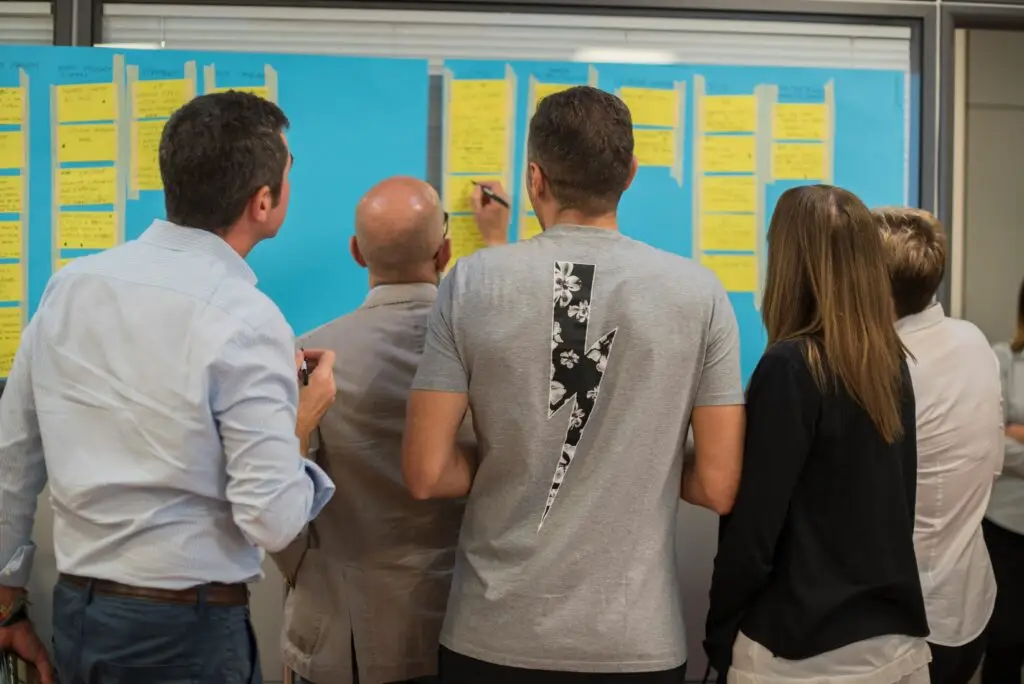
A clear plan turns a digital work instructions pilot into a project with an actual finish line.
Assemble a Team That Includes Both Content Creators and Operators
The team behind your first project matters just as much as the plan. It is easy to assume this work belongs entirely to IT or to whoever manages training, but the strongest digital work instructions teams pull from both sides of the floor.
You need someone who understands the process inside and out, usually an experienced operator, technician, or inspector, because their knowledge is what actually gets captured. You also need a content creator, someone comfortable turning that expertise into clear steps using photos, video, and simple text. On smaller teams these can be the same person, especially with modern authoring tools that do not require any technical background to use.
Just as important, involve the operators who will actually use the instructions once they are built. Give them an early draft and watch them work through it before it goes live everywhere. Are the steps clear? Is anything missing? Does the flow match how the job really gets done on the floor? Testing with real users early catches problems while they are still cheap and easy to fix, instead of after a hundred people have already been trained on a flawed procedure.
A small, cross functional group, a project owner, a subject matter expert, a content creator, and a frontline tester, will move faster and produce better results than a large committee that meets once a month.
It also helps to have someone representing the broader operational goal, often a supervisor or operations manager, who can speak to whether the new process is actually producing results leadership cares about. That person becomes an important advocate later, when it is time to make the case for expanding the program beyond the first use case.
The Real Challenges of Getting Started With Digital Work Instructions
Even with a good plan and the right people, most teams run into a familiar set of obstacles the first time they try to digitize work instructions.
Time is usually the biggest one. Your best operators and technicians are already busy running the floor, and asking them to also become full time content creators rarely works. Expecting a handful of experienced employees to document dozens of procedures on top of their regular job is a fast way to stall a project before it ever gets moving.
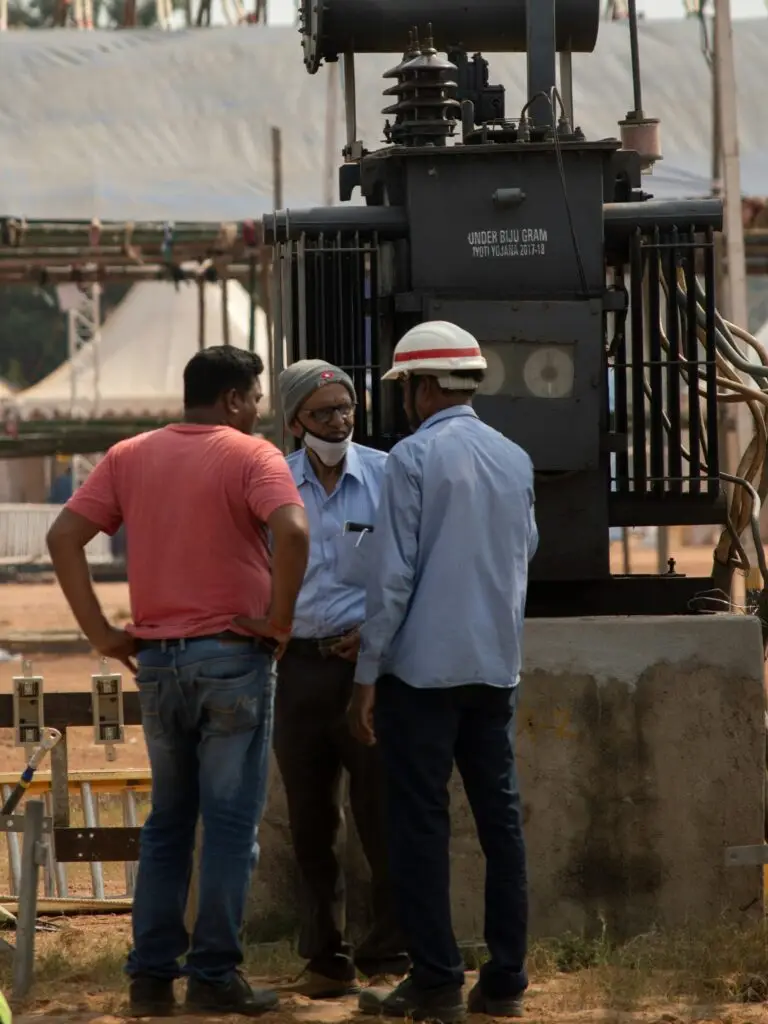
The best digital work instruction software for beginners lets operators build content themselves, no developer required.
Existing content is another common snag. Many organizations assume every procedure needs to be rebuilt from scratch, when in reality old SOPs, training videos, and even photos from previous audits can provide a real head start. The challenge is less about creating information out of nothing and more about organizing what already exists into a format people will actually use, which is really what learning how to convert SOPs to digital work instructions comes down to.
Choosing the right platform is its own challenge too. Some tools are powerful but require a developer to make even small updates, which quickly turns your procedure library into a bottleneck instead of a solution. Look for software that lets the people closest to the work, not a programmer, build and maintain the content.
Hardware decisions trip up teams more often than they should. It is tempting to get excited about smart glasses or augmented reality headsets before the content even exists. In most facilities, a tablet or a phone at the point of work is the simplest starting point, and it is usually the fastest path to real adoption. More advanced hardware can come later, once the content library and the process behind it are solid.
Common Pitfalls to Avoid During Your Pilot
A pilot project is where most of the real learning happens, and it is also where a surprising number of otherwise promising initiatives quietly stall out. A few pitfalls show up again and again.
The first is picking a use case that is too big or too complicated for a first attempt. Your most complex, highest stakes procedure is rarely the right place to start. Choose something that happens often enough to produce meaningful results, has a clear problem attached to it, and is small enough to finish quickly. The goal of a pilot is not to prove you can digitize anything. It is to prove digital instructions can improve a real operational outcome.
The second pitfall is skipping the baseline. If you do not measure how the current process performs before you change anything, it becomes almost impossible to prove afterward that the new approach actually helped. Two or three simple metrics, training time, inspection completion time, missed steps, are usually enough to build a credible before and after comparison.
The third, and maybe the most common, is losing momentum after the pilot technically works. A successful pilot that never gets documented, shared with leadership, or expanded to the next use case tends to quietly fade away. Teams get pulled back into daily operations, the project loses its champion, and six months later nobody remembers why it mattered. Writing down the win, in clear numbers, is what keeps a pilot from becoming a stalled initiative instead of the start of something bigger.
A fourth pitfall worth naming is treating the first version as final. The first draft of any procedure is rarely perfect, and that is fine. Put it in front of a relatively inexperienced employee, watch where they hesitate, and revise it. One of the real advantages of digital work instructions is that you can improve them continuously without printing new manuals or redistributing binders, so there is no reason to wait for perfect before putting a procedure in front of real users.
Why Now Is the Right Time to Build a Repeatable Process
It is easy to keep waiting for the perfect moment to start, a slower quarter, a bigger budget, a finished vendor evaluation. In the meantime the same problems keep happening. Operators keep relying on memory. Trainers keep repeating themselves. Experienced employees keep walking out the door with knowledge nobody ever wrote down.
Starting now does not mean starting big. It means picking one process that matters, building a small team around it, and creating a simple, repeatable rhythm you can lean on again and again: define the use case, capture the knowledge, test it with real users, measure the results, then move to the next one. That repeatable cycle is what eventually turns a single pilot into a full digital work instructions implementation guide your whole organization can follow.
This is also where a lot of teams find real value in bringing in outside experience, not necessarily to take the project over, but to help build the foundation faster while training the internal team to carry it forward. At MG&J Associates, we spend a lot of time helping manufacturers get past exactly this stage, choosing the right first use case, setting up a process that will actually hold up over time, and avoiding the pitfalls that stall so many pilots before they ever prove their value. If you are trying to figure out how to implement digital work instructions, or you already started and got stuck, that is a conversation we are always glad to have.
Frequently Asked Questions
Do we need to digitize every procedure to get started?
No. Start with one meaningful use case, prove it works, and expand once you have real results to point to.
Who should be on the team for our first project?
A small group works best: a project owner, a subject matter expert who knows the process, a content creator, and at least one frontline operator to test the result.
How long should a pilot project take?
Most successful pilots run a few weeks to a couple of months. If a use case is taking much longer than that, it is usually a sign the scope grew too large.
What if we do not have time to build content ourselves?
Outside support can help capture the first procedures and train your internal team at the same time, so you are not stuck waiting for the busiest people on the floor to find spare hours.
How do we know if the pilot actually worked?
Compare your results against the baseline you measured before you started. A clear before and after number is the easiest way to prove the value and win support for expanding the program.
Topics We Cover
Ready to Start Your Digital Work Instructions Project?
We are happy to walk through your specific situation, no commitment required.